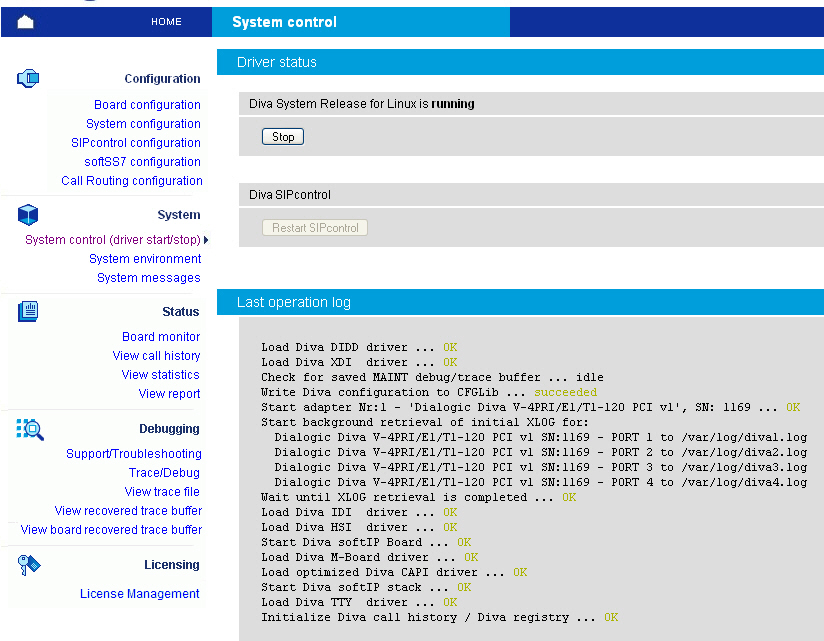
If you click System control (driver start/stop) the following page opens, where you can start and to stop Dialogic® Diva® drivers. The Dialogic® Diva® WEB server will detect the current state of the drivers and opens you the appropriate page. Moreover, this page allows you to view the log file of the last driver start/stop configuration procedure.