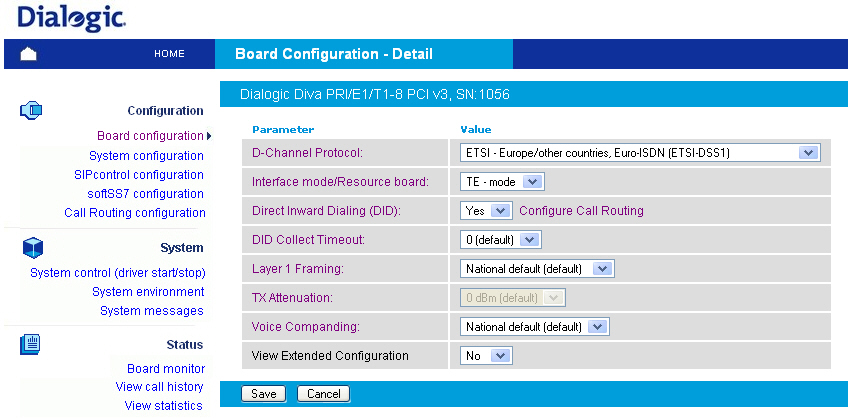
If you click System configuration on the left hand side, a page opens that allows you to configure global system parameters that affect the installed boards and device drivers, to optimize the configuration of your system, such as fax-, RAS, or Voice serve, to select the applications and interface drivers to be loaded (CAPI, TTY), and to control misc. system services (accounting, etc.).
Note: The activation of the SIP-PSTN gateway (Dialogic® Diva® SIPcontrolTM 1.6 software), the SIP enabled CAPI (softIP 2.2), the ITU-T SS7 support (softSS7 1.5.2), or specific features on the Dialogic® Diva® Media Boards requires a valid license. Please contact your local sales representative for more information.