To register your PPC and DUID
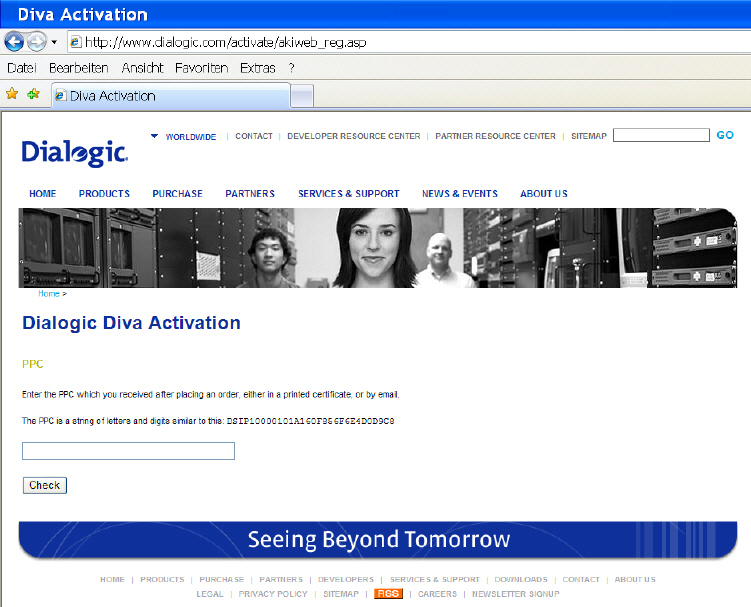
- Open the following web site: www.dialogic.com/activate
- Enter your PPC and click Check.
- If your PPC is valid, the following web site will open:
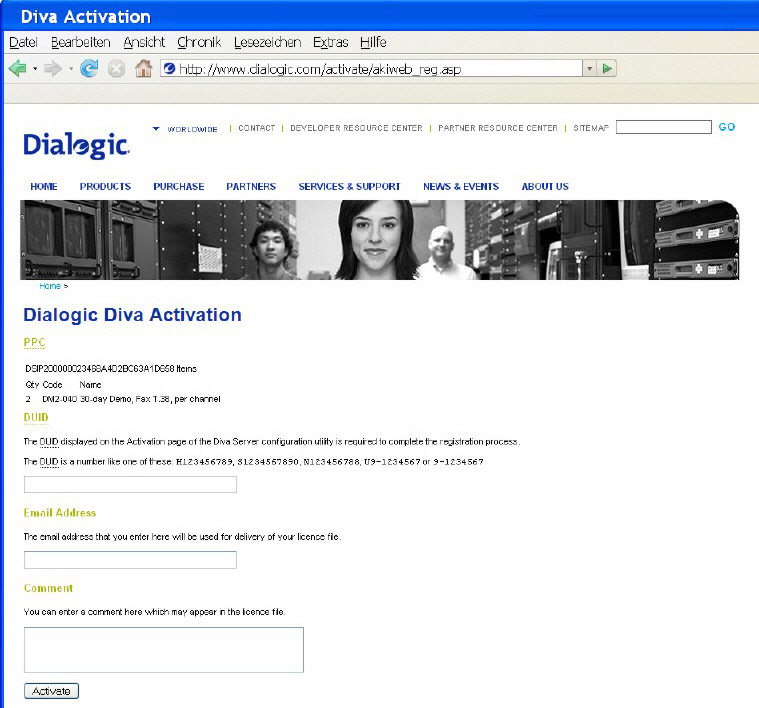
- Paste your Device Unique ID (DUID) that you copied from the Diva web interface and enter your email address to which the license file should be sent.
- Click Activate to generate the license file that will be sent to the email address you have entered.
- Save the license file and activate it. For more information, see To activate the license.