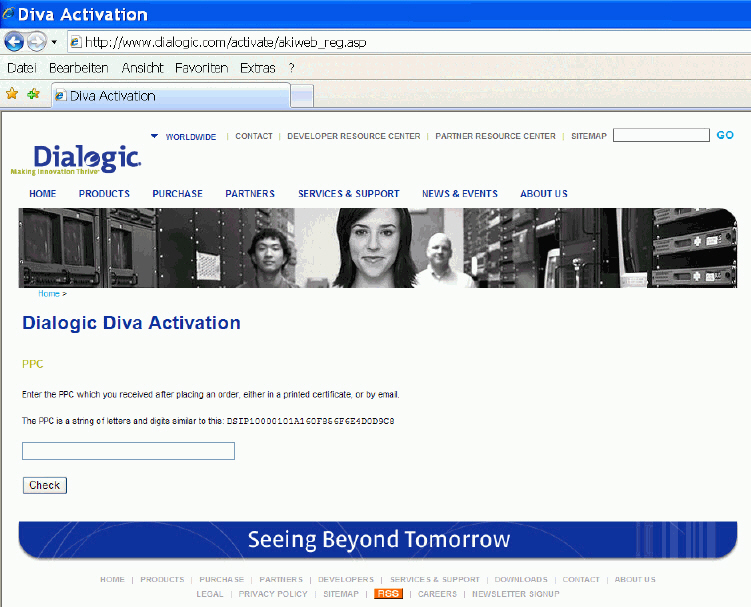
Open the following web site: www.dialogic.com/activate.
Enter your PPC and click Check.
If your PPC is valid, the following web site will open:
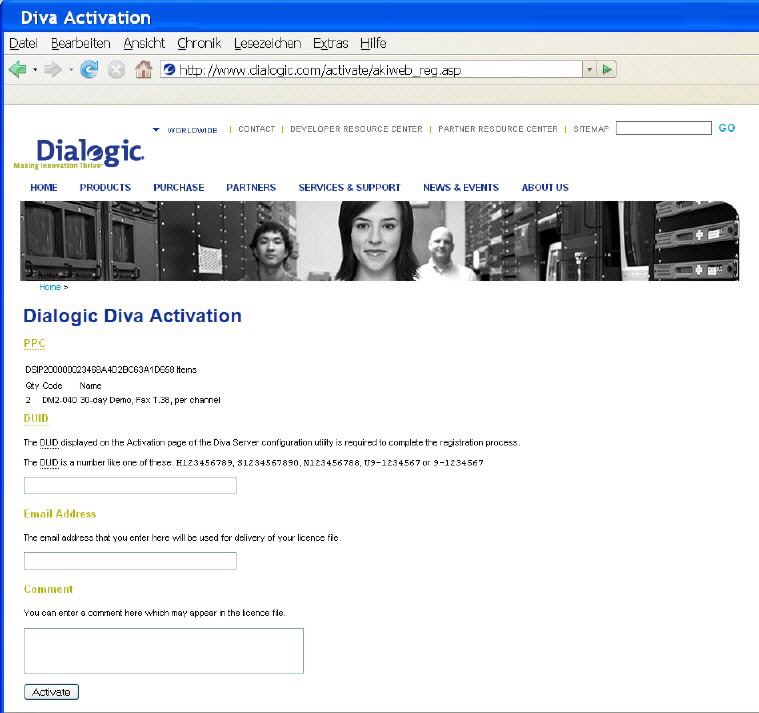
Paste your Device Unique ID (DUID) that you saved earlier, and enter
your email address to which the license file should be sent.
Click Activate to generate the license file that will be sent to the email address you have entered.
Save the license file and activate it. For more information, see To Activate the License.