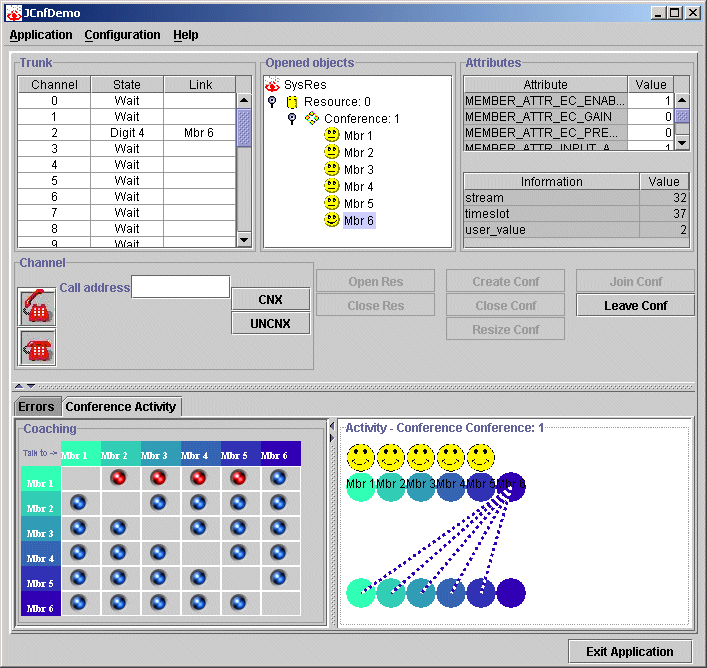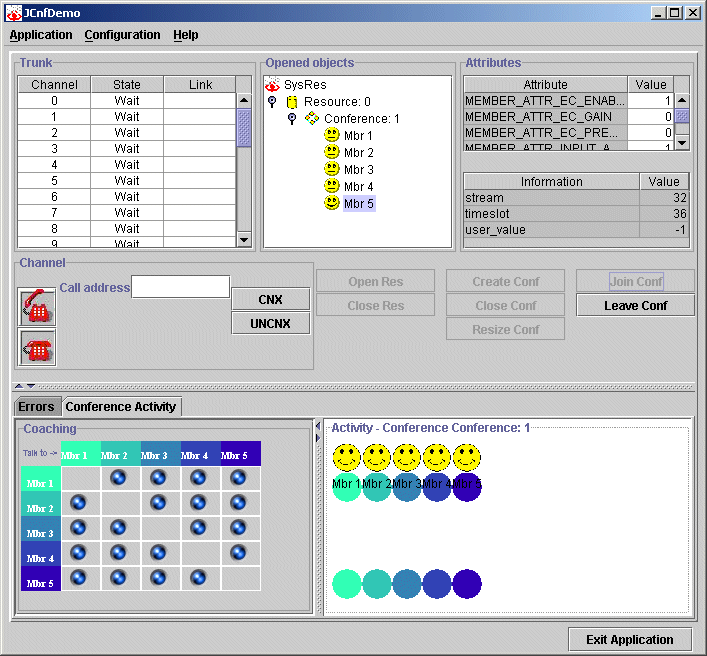
When adding several members in the same conference, you can view and set the coaching between the members. A panel of check boxes represents coaching, where each row and column represents a member.
In this example, all five members can talk to each other. If a box is not selected, then those two members cannot talk to each other.
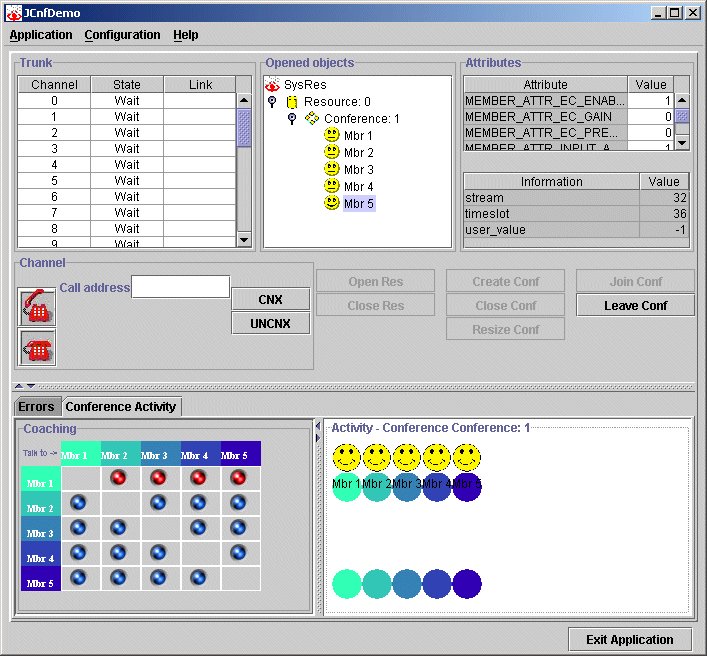
In the following example, Mbr1 cannot talk to Mbr 2, Mbr3, Mbr4, or Mbr 5.
When a member is talking, a broken line is drawn between the speaker and the members who can hear him.