To install your license:
Copy the License file on a server accessed by the PowerMedia WMS.
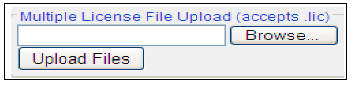
Select System>License>Install on the PowerMedia WMS Web UI to install the license on the PowerMedia WMS. The following page appears:
Browse to the license file(s) and click Upload Files.
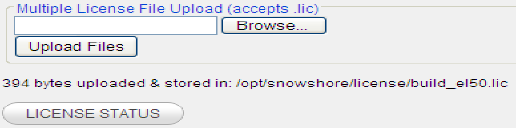
Click License Status. The License Status appears.
Select System Reset Web Media Server.
Click OK to reset the PowerMedia WMS. When the PowerMedia WMS restarts, you are ready to configure and deploy it.