Follow the procedures below to install and configure a client softphone to call the PowerMedia WMS. These instructions use the Kapanga softphone as an example.
The PowerMedia WMS includes a trial version of the Kapanga softphone; the trial version lasts for 90 days (Windows® and Linux clients).
Locate the kapanga_client.zip at the following address:
https://192.168.12.168/snowshore/apps/
"192.168.12.168" is the IP address of the PowerMedia WMS.
Click the kapanga.zip file and choose to save or open the file.
If you saved the zip file, double-click the file to unzip it. If you selected open, the file automatically unzips.
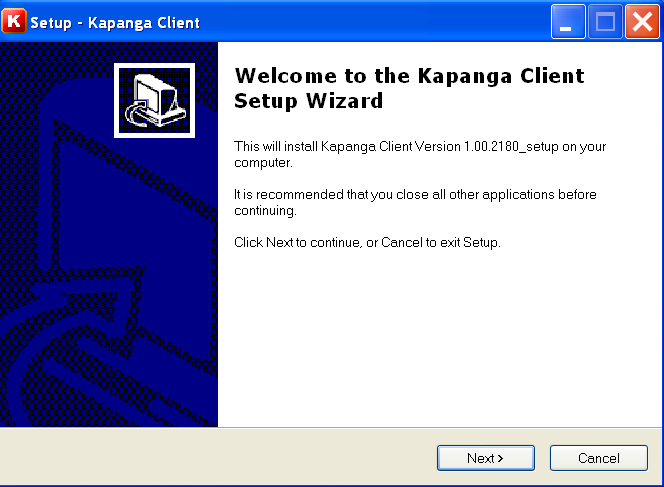
Double-click the kapanga_client_setup.exe file. The Setup Wizard appears.
Follow the wizard to complete the installation. When complete, you can select to launch Kapanga Client Softphone.