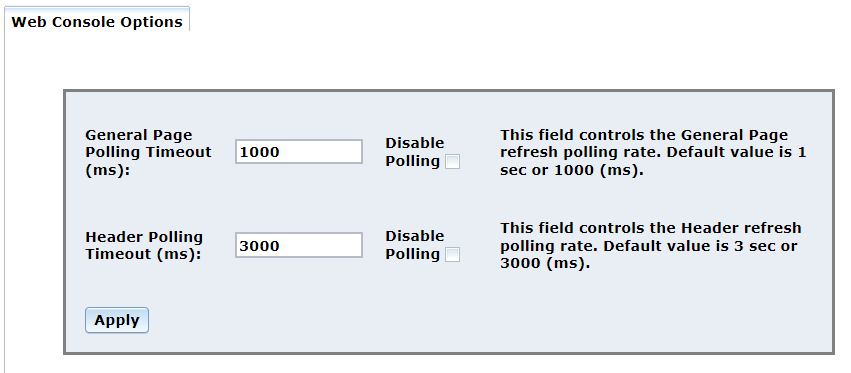
The Options menu opens to the Web Console Options page which is used to configure or disable the Console’s polling timeouts.
Proceed as follows to configure the Web Console Options parameters:
This value controls the refresh polling rate. The default value is 1 second or 1000 ms. Enter the desired value in the space provided and click Apply.
To disable polling, click the check box to the right of Disable Polling and then click Apply.
This value controls the header refresh polling rate. The default value is 3 seconds or 3000 ms. Enter the desired value in the space provided and click Apply.
To disable polling, click the check box to the right of Disable Polling and then click Apply.