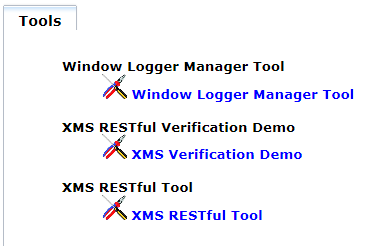
PowerMedia XMS logs are accessed through the RemoteRtfTool utility. To use the RemoteRtfTool utility, access the Downloads > Tools page from the Console and double-click RemoteRtfToolInstaller.msi. Most PowerMedia XMS subsystems produce their own log files, which are updated on a regular basis or whenever a subsystem is restarted. Always look for the log with the current time/date stamp.
The Rtf Configuration Manager window allows access to the logs.
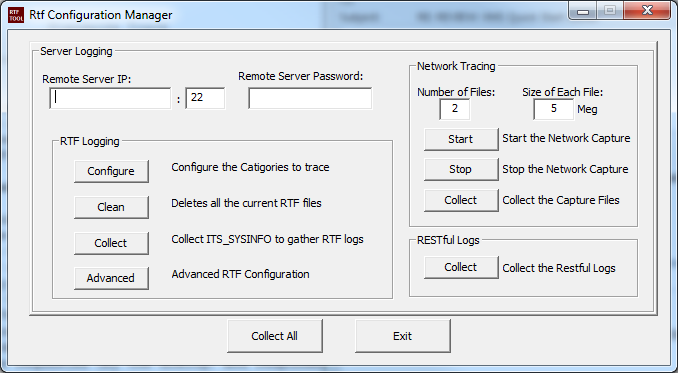
To access the logs:
Enter the Remote Server IP and Remote Server Password.
Click Collect from either the RTF Logging or RESTful Logs sections.
To view a specific file, click the box to the left of the file to select it.
Click View.
For additional information about log files and the information they contain, refer to the Dialogic® PowerMedia™ XMS Installation and Configuration Guide.