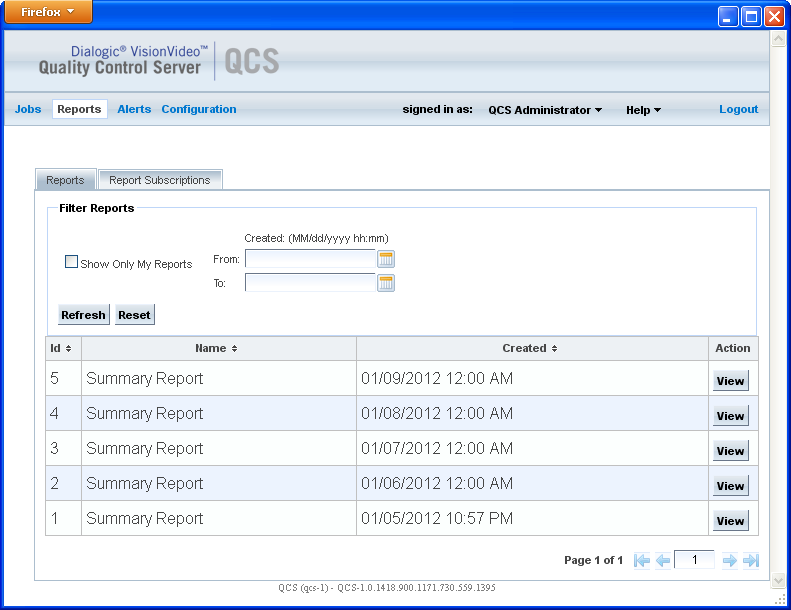
To view reports, click Reports in the menu bar. Select the attributes of the reports you wish to view, then click Refresh. Reports that match the selected attributes are then displayed in the list of reports. Click Clear to clear the filter parameters (but does not clear the list of reports).
The list of reports shows only a certain number of matches, not necessarily all reports that meet the filter requirements. The number of matches shown is controlled by a system parameter; see Configuring System Parameters.
The following table describes the filter parameters.
Field |
Description |
Show Only My Reports |
Show only reports to which the user is subscribed. |
Created, From and To |
Show reports created during this time period. This is an optional field. If not specified, the filter is applied to all reports in the database. |
Following is an example of a Reports page from the Reports menu.
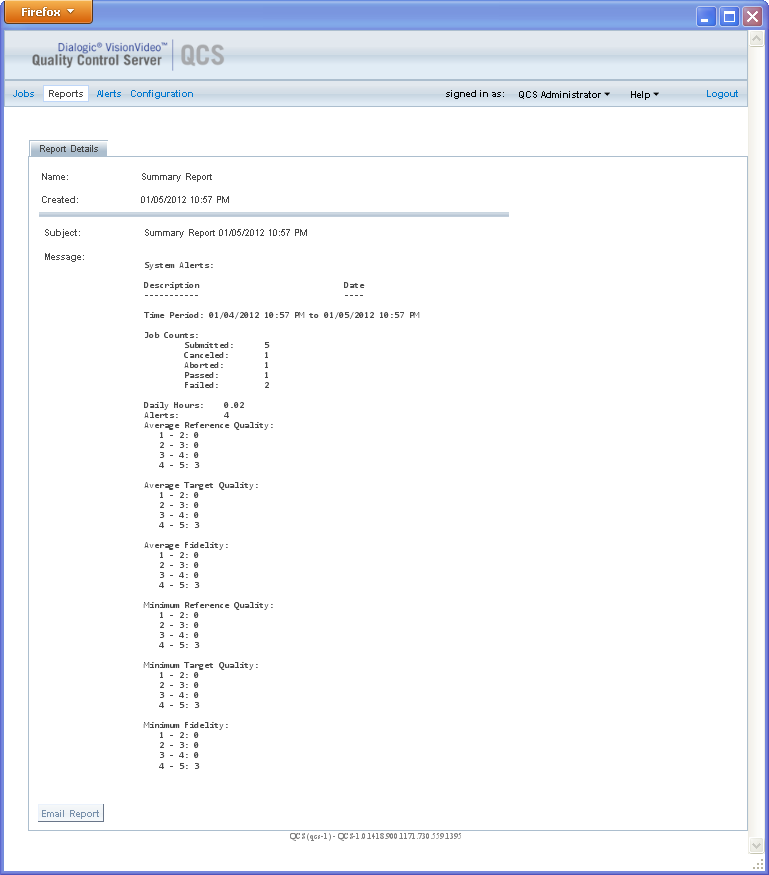
To see the details of a report, click View in the row for that report.
Following is an example of a Report Details page.